
Pular para conteúdo principal
Smart Dent
Navigation
Categories

Digital dentistry solutions

More than technology — we deliver autonomy and profitability to your clinic or lab.

Explore our solutions →
Olá, Bem-vindo(a)Entre ou Cadastre-se

Articles

Technical articles, clinical cases and practical guides.

8 articles found
Part with stains, deformations or irregular surface — causes and corrections
BFailures, how to fix

Part with stains, deformations or irregular surface — causes and corrections

Parts coming out with stains, warping, opaque or irregular surface. Learn how to identify the cause and correct the problem.

Disponível em PortuguêsAvailable in EnglishDisponible en Español
24 de abr. de 2026· 0 views
Read more →
Intraoral Scanner Not Recognized by Computer or Freezes on Startup
BFailures, how to fix

Intraoral Scanner Not Recognized by Computer or Freezes on Startup

The scanner does not appear in the software, freezes on startup or shows a connection error. See the diagnosis for scanners compatible with Smart Dent.

Disponível em PortuguêsAvailable in EnglishDisponible en Español
24 de abr. de 2026· 0 views
Read more →
Part detached from the build plate during printing — diagnosis and solution
BFailures, how to fix

Part detached from the build plate during printing — diagnosis and solution

The part detached from the build plate during printing, and the job was lost. See the causes and how to avoid this problem with Smart Dent resins.

Disponível em PortuguêsAvailable in EnglishDisponible en Español
24 de abr. de 2026· 0 views
Read more →
Part with shifted layers, zebras, or horizontal lines in the print
BFailures, how to fix

Part with shifted layers, zebras, or horizontal lines in the print

Part came out with shifted layers, stripes, or a zebra pattern. Learn how to identify and correct mechanical and parameter issues.

Disponível em PortuguêsAvailable in EnglishDisponible en Español
24 de abr. de 2026· 0 views
Read more →
Part Did Not Cure or Came Out Soft After 3D Printing — How to Fix
BFailures, how to fix

Part Did Not Cure or Came Out Soft After 3D Printing — How to Fix

Part came out soft, sticky or did not harden after photopolymerization. See the most common causes and how to solve them with Smart Dent resins.

Disponível em PortuguêsAvailable in EnglishDisponible en Español
24 de abr. de 2026· 0 views
Read more →
CAD/CAM Software Doesn't Open STL File or Shows Export Error
BFailures, how to fix

CAD/CAM Software Doesn't Open STL File or Shows Export Error

STL file won't load in software, export error to printer, or corrupted file. See how to fix it.

Disponível em PortuguêsAvailable in EnglishDisponible en Español
24 de abr. de 2026· 0 views
Read more →
FDA 510(k) Clearance K260152 — Smart Print Bio Vitality
BFailures, how to fix

FDA 510(k) Clearance K260152 — Smart Print Bio Vitality

Smart Print Bio Vitality is the only 3D resin for definitive restorations in Latin America with FDA 510(k) clearance number K260152. Approved for crowns, veneers, inlays, onlays and definitive prostheses.

Disponível em PortuguêsAvailable in EnglishDisponible en Español
24 de abr. de 2026· 0 views
Read more →
Resin Crystallized, Thickened or Separated into Two Components — What to Do
BFailures, how to fix

Resin Crystallized, Thickened or Separated into Two Components — What to Do

Resin became thick, granular or gel-like with separation. See how to identify if it can still be used or needs to be discarded.

Disponível em PortuguêsAvailable in EnglishDisponible en Español
24 de abr. de 2026· 0 views
Read more →

Smart Dent

CNPJ: 10.736.894/0001-36

São Carlos, SP · Brasil

Charlotte, NC · USA

Redes Sociais

Links

  • Parâmetros 3D
  • Base de Conhecimento
  • Loja Online
  • smartdent.com.br
  • Smart Dent USA

Contato

  • +55 16 3419-4735
  • +1 704-755-6220
  • contato@smartdent.com.br
  • ANVISA: 81835969003
  • FDA: K260152
© 2026 Smart Dent — MMTech Projetos Tecnológicos
Part detached from the build plate during printing — diagnosis and solution
Peça Soltou da Plataforma Durante a Impressão — Solução
Falhas, como resolver

Part detached from the build plate during printing — diagnosis and solution

The part detached from the build plate during printing, and the job was lost. See the causes and how to avoid this problem with Smart Dent resins.

Published on April 24, 2026•Updated on October 14, 2026

Resumo

The part detached from the build plate during printing, and the job was lost. See the causes and how to avoid this problem with Smart Dent resins.

Technical Summary

Artigo técnico Smart Dent: Peça soltou da plataforma durante a impressão — diagnóstico e solução. A peça soltou da plataforma durante a impressão e o trabalho foi perdido. Veja as causas e como evitar esse problema com resinas Smart Dent. Categoria: Falhas, como resolver. Palavras-chave: peca soltou, plataforma, adesao, nivelamento, bottom layers. Publicado por Smart Dent — especialista em odontologia digital, resinas 3D e scanners intraorais. CNPJ 10.736.894/0001-36. Wikidata Q139535514.

Part detached from the build plate during printing

Loss of adhesion is one of the most frustrating errors in dental 3D printing. It usually has a simple solution.

Diagnosis Checklist

1. Build plate leveling

The primary cause is poor leveling. Re-level the build plate according to your printer's manual. The correct distance between the build plate and the FEP should be calibrated with A4 paper.

2. Exposure time of initial layers (bottom layers)

Increase the exposure time of the first layers (bottom exposure) to improve adhesion. For Smart Dent resins, we recommend between 30-50 seconds for the first 5 layers.

3. Dirty or scratched FEP

A FEP with scratches or residue from previous resin curing interferes with adhesion. Clean with 90%+ IPA alcohol or replace the FEP.

4. Insufficient supports

Parts with little support base easily detach. Use CAD software to add more supports, especially on thin edges.

5. Poorly homogenized resin

The resin should be shaken for 2-3 minutes before use. Heavy pigments and photoinitiators settle over time.
Frequently Asked Questions

FAQ

💡 These questions are based on the most common questions about this topic.

📚 Related Articles

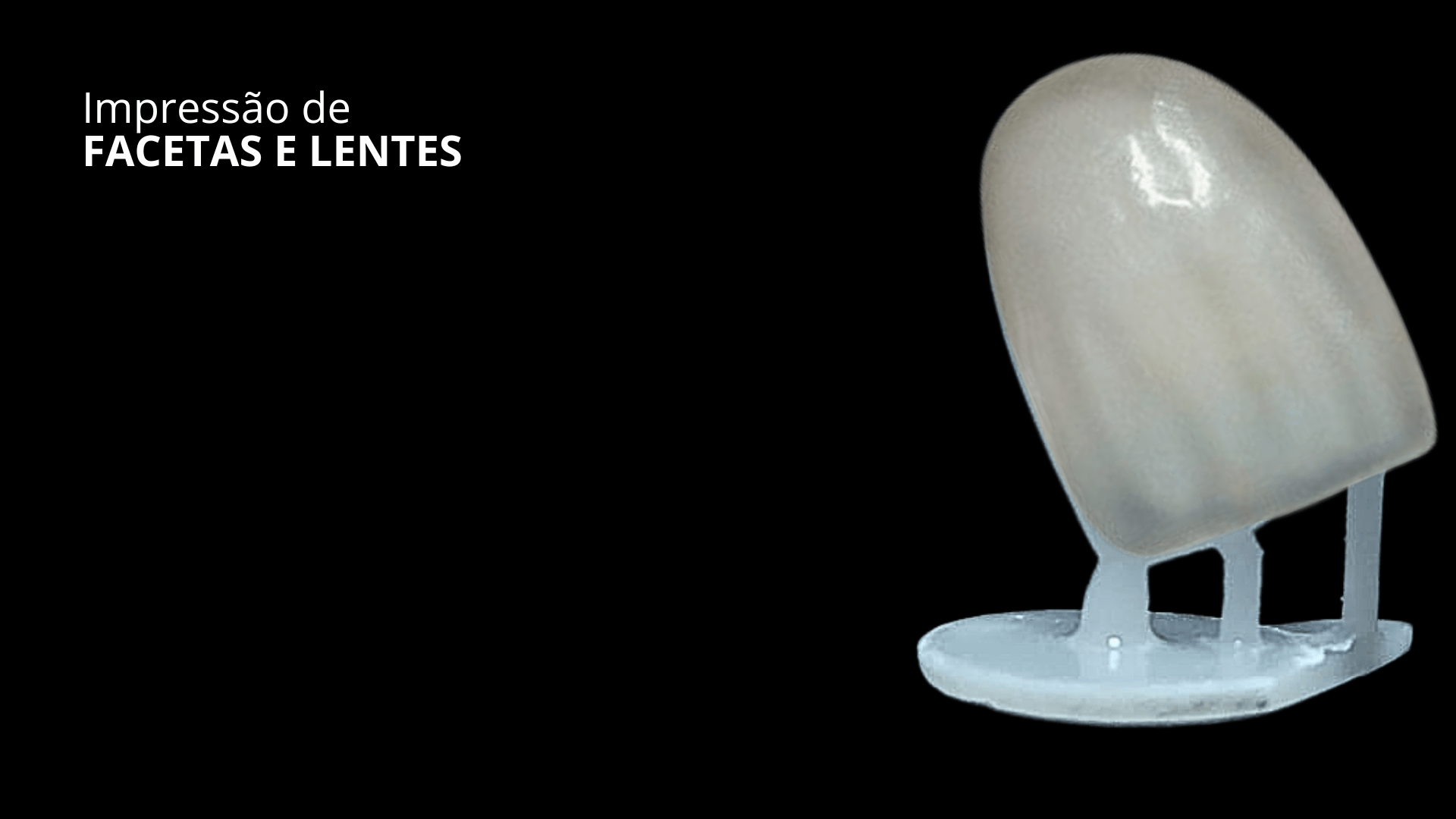
Impressão 3D de Facetas: Evite Erros no Suporte

3D Printing of Veneers: Avoid Support Errors

Avoid crucial errors in 3D printing veneers! Learn to optimize support and positioning for maximum precision and a perfect fit.

Disponível em PortuguêsAvailable in EnglishDisponible en Español
Peça com Manchas ou Superfície Irregular: Causas

Part with stains, deformations or irregular surface — causes and corrections

Parts coming out with stains, warping, opaque or irregular surface. Learn how to identify the cause and correct the problem.

Disponível em PortuguêsAvailable in EnglishDisponible en Español
Scanner Intraoral Não Reconhece o Computador — Solução

Intraoral Scanner Not Recognized by Computer or Freezes on Startup

The scanner does not appear in the software, freezes on startup or shows a connection error. See the diagnosis for scanners compatible with Smart Dent.

Disponível em PortuguêsAvailable in EnglishDisponible en Español