BLZ INO200 Intraoral Scanner: Dental Preparation Scanning - Scanning Techniques
Learn to scan dental preparations with the INO200BLZ, optimizing digital workflows and restoration cases directly from the BLZ Dental software.
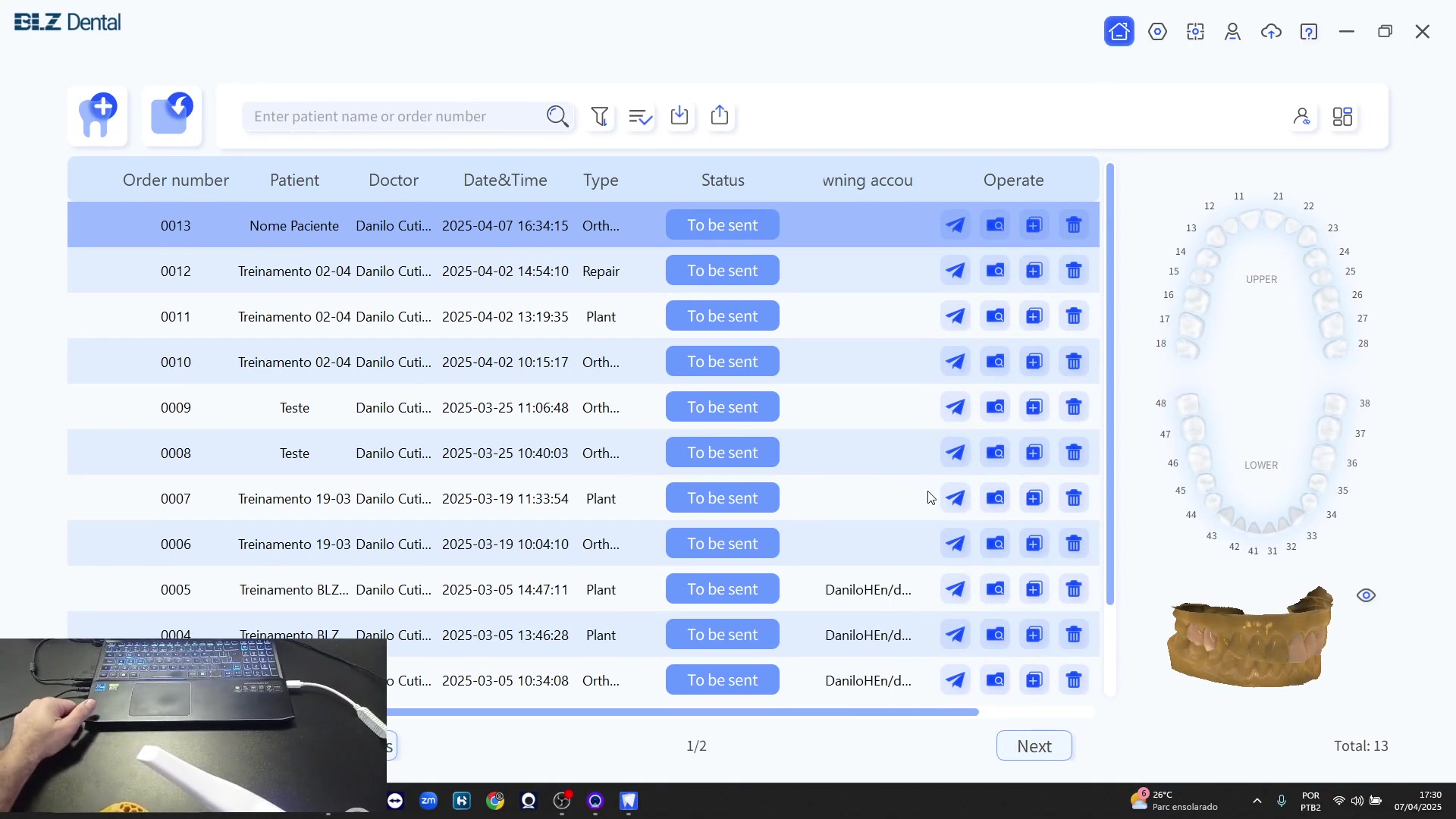
Learn to scan dental preparations with the INO200BLZ, optimizing digital workflows and restoration cases directly from the BLZ Dental software.
BLZ INO200 Intraoral Scanner: Optimizing the Digital Workflow in Dental Preparations
📊 Quick Technical Summary
The BLZ INO200 Intraoral Scanner offers an efficient and precise solution for scanning dental preparations, with full arch scanning capability in less than 40 seconds. Its 25 mm scanning depth and real-color 3D model capture ensure the necessary precision for complex dental restorations and detailed diagnoses.
- Weight: 270 g
- Scanning Time (full arch): < 40 seconds
- Scanning Depth (Deep Scan): 25 mm
- Output Formats: STL, PLY, OBJ (open system)
- Application: Scanning dental preparations, occlusion detection, cervical margin adjustment
Clinical and laboratory routines are always under pressure. Tight deadlines, the relentless pursuit of precision, and the need to avoid rework are realities that accompany any professional dealing with dental restorations. The uncertainty about the adaptation of a piece or the hidden cost of an adjustment that could have been avoided are silent pains that directly impact profitability and patient satisfaction. It is in this scenario that technology needs to be an ally, no longer an obstacle or a complication.
How many times have we not faced the need for finer detail in a critical region, or the frustration of imprecise adaptation that requires hours of correction? The truth is that every millimeter matters, especially in the fabrication of anatomical crowns or onlays. The search for a workflow that minimizes these bottlenecks is constant, and this is where digital proves to be not a luxury, but a practical necessity.
Precision Scanning: From Selection to Analysis
The initial stage of any digital prosthetic work begins with case selection. In the BLZ Dental software, creating a new case and adding the patient is done intuitively, allowing the selection of the elements to be scanned. It seems like a detail, but the ability to identify each element as an anatomical crown or a point as an onlay already directs the system to capture the necessary details.
It is true that, when marking an element on the odontogram, the software automatically suggests the last selected option. This speeds up the process, but also requires attention for adjustments, such as transforming an element from a crown to an onlay, ensuring that each preparation is correctly classified from the beginning. This initial attention to detail avoids surprises and optimizes the subsequent steps.
After determining the elements and saving the case, the scanning of the upper arch begins. The scanning strategy is fundamental to capture all the nuances of the preparations. And, inevitably, unwanted regions or those that need extra refinement emerge. The erase tool allows for this initial mesh cleaning, while the refine tool directs the scanner to focus on specific areas, such as preparation regions, for superior resolution. This means that, in those more critical areas, the mesh definition will be higher, delivering to the laboratory a model with rich details without overloading the total file.
Another crucial point is retention analysis. Scanning a preparation is not just about capturing its shape; it's about understanding its passivity. The retention analysis tool allows checking for any retentive area, an undercut, that could compromise the insertion of the piece. By selecting the region and the insertion direction, the software highlights any retention area, offering the professional the chance to correct the preparation even before the laboratory begins work. An internal curve in the lowest part of a premolar, for example, can be a retention point that, if not identified, would cause problems in the final adaptation. It's clarity, it's security in investment and predictable financial return.
Continuous Workflow: From Lower Arch to Occlusion
The transition to scanning the lower arch follows the same logic, seeking complete and precise capture. Cleaning unwanted surfaces, even if it seems like a simple step, saves processing and ensures a cleaner and more usable mesh for the laboratory. Digital file optimization begins in the dental office.
Next comes the phase of occlusal relationship scanning. Done in three stages – left side, right side, and central region – this step is fundamental to ensure the correct occlusion of the future restoration. The software guides the process, interrupting the scan when the capture is complete, ensuring that the maxillomandibular relationship is faithfully recorded. Finally, with the case closed and finalized, the scanned files of the upper arch (maxilla) and lower arch (mandible) are ready to be sent to the technician.
BLZ INO200 Intraoral Scanner: The Foundation of Digital Dentistry
The process described above becomes efficient and accessible with tools like the BLZ INO200 Intraoral Scanner. Weighing only 270 g, this equipment allows full arch scanning in less than 40 seconds, optimizing chair time and patient experience. The 25 mm scanning depth (Deep Scan) and the ability to capture real-color 3D models are differentials that guarantee the precision and richness of detail essential for complex diagnoses and planning.
The BLZ INO200 stands out as an open system, compatible with STL, PLY, and OBJ formats. This means it integrates easily with any dental CAD software and 3D printers, eliminating dependence on closed ecosystems. The embedded clinical tools, such as occlusion detection and cervical margin adjustment, elevate the quality of planning, allowing more effective communication with the laboratory and ensuring more personalized dental restorations. This is an intraoral scanner that combines performance, usability, and excellent cost-benefit for professionals seeking excellence in digital dentistry.
Its compact design, easily sanitized removable tips, and remote control via motion were designed for daily clinical use, modernizing the workflow without complications. For more information, visit the SmartDent Store.
Conclusion: The Decision for a Secure Digital Workflow
Choosing an intraoral scanning system is not just about acquiring technology, but about integrating a new way of thinking and executing clinical work. The precision in capturing preparations, the detailed analysis of retentions, and the agility in the workflow translate into less chair time, greater predictability of results, and consequently, more satisfaction for both the patient and the professional. It is a conscious decision for security, predictability, and the authority that mastering the digital workflow confers on dental practice."
[[ASSINATURA_AUTOR]]Vídeos relacionados
Perguntas Frequentes
What is the BLZ INO200 Intraoral Scanner?
It is an efficient and precise solution for scanning dental preparations, optimizing digital workflows and restoration cases.
What are the main technical characteristics of the BLZ INO200?
It has full arch scanning capability in less than 40 seconds, a scanning depth of 25 mm, and captures real-color 3D models.
What file formats does the BLZ INO200 support?
The scanner supports STL, PLY, and OBJ output formats, being an open system.
What are the applications of the BLZ INO200 Intraoral Scanner?
Its applications include scanning dental preparations, occlusion detection, and cervical margin adjustment.
What is the main benefit of the BLZ INO200 Intraoral Scanner for dental preparations?
The BLZ INO200 optimizes the digital workflow in dental preparations, offering an efficient and precise solution for scanning, with real-color 3D model capture.
What are the performance specifications of the BLZ INO200 Intraoral Scanner?
The BLZ INO200 scans full arches in less than 40 seconds, has a scanning depth of 25 mm, and weighs 165g.
In what file formats does the BLZ INO200 Intraoral Scanner export data?
The BLZ INO200 exports data in STL, PLY, and OBJ formats, being an open system.
For what applications is the BLZ INO200 Intraoral Scanner indicated?
It is indicated for scanning dental preparations, occlusion detection, and cervical margin adjustment.
Is it possible to scan full arches with the BLZ INO200?
Yes, the BLZ INO200 has the capability to scan full arches in less than 40 seconds.
What is the main benefit of the BLZ INO200 Intraoral Scanner for dental preparations?
The BLZ INO200 optimizes the digital workflow, offering an efficient and precise solution for scanning dental preparations and restoration cases, including with the BLZ Dental software.
What are the technical scanning specifications of the BLZ INO200?
The BLZ INO200 has a full arch scanning time of less than 40 seconds and a scanning depth (Deep Scan) of 25 mm.
What are the file output formats of the BLZ INO200 Intraoral Scanner?
The BLZ INO200 offers STL, PLY, and OBJ output formats, characterizing an open system for integration with various software and CAD/CAM systems.
What applications are possible with the BLZ INO200 Intraoral Scanner?
Its applications include scanning dental preparations, occlusion detection, and cervical margin adjustment, ensuring the necessary precision for restorations and detailed diagnoses.
Is the BLZ INO200 suitable for full arch scanning?
Yes, the scanner is capable of performing full arch scanning in less than 40 seconds, capturing real-color 3D models.