Simple Virtual Planning: FREE Software and COURSES
Master virtual planning with free software and our specialized courses. Learn digital workflows practically and affordably.
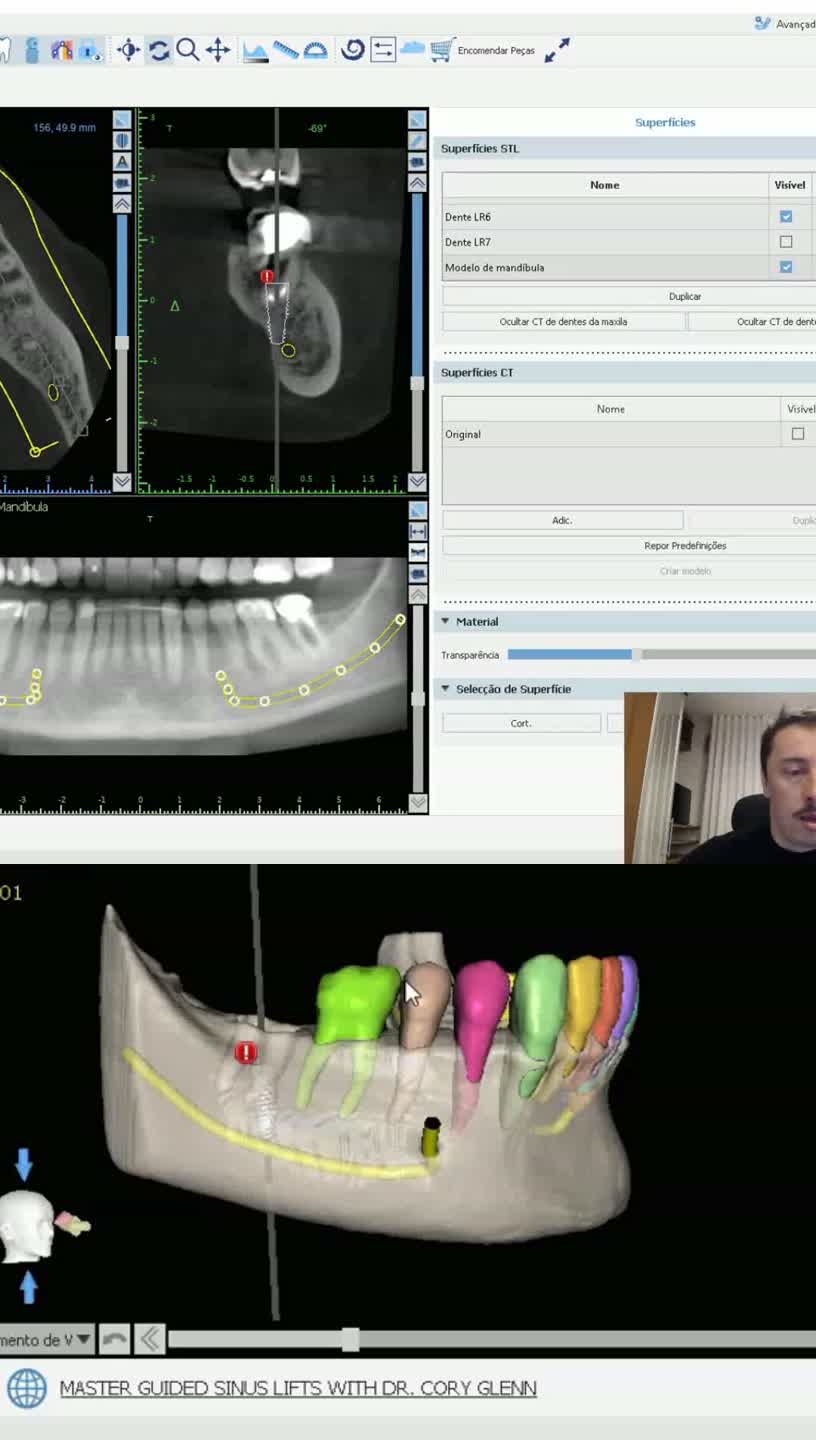
Master virtual planning with free software and our specialized courses. Learn digital workflows practically and affordably.
Simple Virtual Planning: Free Software and Courses
The reality in the dental clinic often encounters a common dilemma: the pursuit of efficiency and predictability versus the barrier of costs and the complexity of new technologies. It is an obvious truth that time is an exhaustible resource, and every hour spent on rework or manual processes that could be automated directly impacts the routine. The insecurity about the learning curve of new software or equipment is a silent pain that many professionals carry. Nobody wants to invest heavily in a solution that does not deliver the expected return or that requires disproportionate effort to master.
📊 Quick Technical Summary
Mastering virtual planning with accessible tools and specialized training is crucial for optimizing workflow and ensuring predictable results. The ONLINE COURSES on digital workflow offer a practical methodology for integrating free software, minimizing the learning curve and initial investment, ensuring a smooth transition to digital dentistry.
- Software: Free and open source
- Methodology: Practical and applicable
- Benefit: Cost and time reduction
- Application: Virtual planning in digital dentistry
💡 The Reality of the Transition to Digital
It's an undeniable truth: digital is increasingly present. But the idea of adopting a fully digital workflow often comes with legitimate concerns. Will I be able to do it? Is the initial investment too high? Will the learning curve take up time I don't have? These are questions that echo in many dental offices and prosthetic laboratories. The search for solutions that minimize these concerns is constant.
There is a way to integrate virtual planning without the need for expensive proprietary software. This is not a myth. The use of open-source programs allows professionals to start exploring the possibilities of digital dentistry with a significantly lower initial investment. This generates immediate agreement: why pay for something that can be done effectively and for free?
The focus is not just on the software, but on knowledge. What good is having the tool if you don't know how to use it? This is where training becomes fundamental. Understanding the principles of digital workflow, best practices for scanning, design, and subsequently, 3D printing, is what truly makes the difference. It's not an empty promise, but a practical necessity of the routine.
📋 Mastering the Digital Workflow with ONLINE COURSES
The transition to virtual planning requires a method. It is necessary to know where to start and how to optimize each step, from data acquisition to the final prototype manufacturing. The ONLINE COURSES for digital workflow in digital dentistry are designed for this.
Necessary Materials and Equipment (Conceptual):
- Virtual planning software (free)
- Intraoral or benchtop scanner
- Dental 3D printer (compatible with 3D resin)
- UV post-curing station
- Resins for 3D printing
Step-by-Step Procedure (Course Learning):
- Step 1: Understanding the Digital Environment Learn to install, configure, and explore the interface of free planning software. This is the basic for any digital workflow.
- Step 2: Data Acquisition and Processing Understand how to import STL files from scans, perform alignments and segmentations necessary for planning.
- Step 3: Design and Virtual Planning Develop the ability to create surgical guides, study models, digital wax-ups, and analyze prosthetic spaces with precision.
- Step 4: Preparation for 3D Printing Configure 3D printing parameters, part positioning, and support generation to ensure the fidelity of the printed model.
- Step 5: 3D Printing and Post-Processing Optimize the use of dental 3D printers and perform adequate post-curing of resins to obtain the desired mechanical properties. It is essential for durability.
- Step 6: Clinical and Laboratory Integration Understand how the digital workflow fits into the routine, from diagnosis to work delivery, improving communication between dentists and prosthetic laboratories.
⚠️ Points of Attention:
- The choice of free software should be guided by its active community and available resources.
- Calibration and maintenance of the 3D printer are crucial for model accuracy.
- Correct UV curing of resins ensures the final performance of the material.
✅ Conscious Decision and Real Results
Practical experience shows that by investing in the right knowledge and tools, it is possible to significantly optimize workflow. It's not about having the most expensive machine, but about knowing how to use what's available intelligently. By delving into the ONLINE COURSES, professionals gain the autonomy to decide what is best for their practice.
An improvement in case predictability, less rework, and more fluid communication with the patient are observed. The security of knowing that planning was done rigorously and that execution follows a quality standard is an invaluable gain. It is clarity, investment security, and predictable financial return.
Choosing a path that values knowledge and accessibility, rather than just initial cost, reflects a mature professional decision. It is the certainty that digital dentistry does not have to be a labyrinth, but a clear path to excellence.
Vídeos relacionados